Type a vibe. Get a home screen.
A few words become a whole matching look for your iPhone: wallpaper, palette, styled widgets and app icons.
iPhone, iOS 17 or later
A whole look from a few words
No scrolling through the same templates everyone else uses.
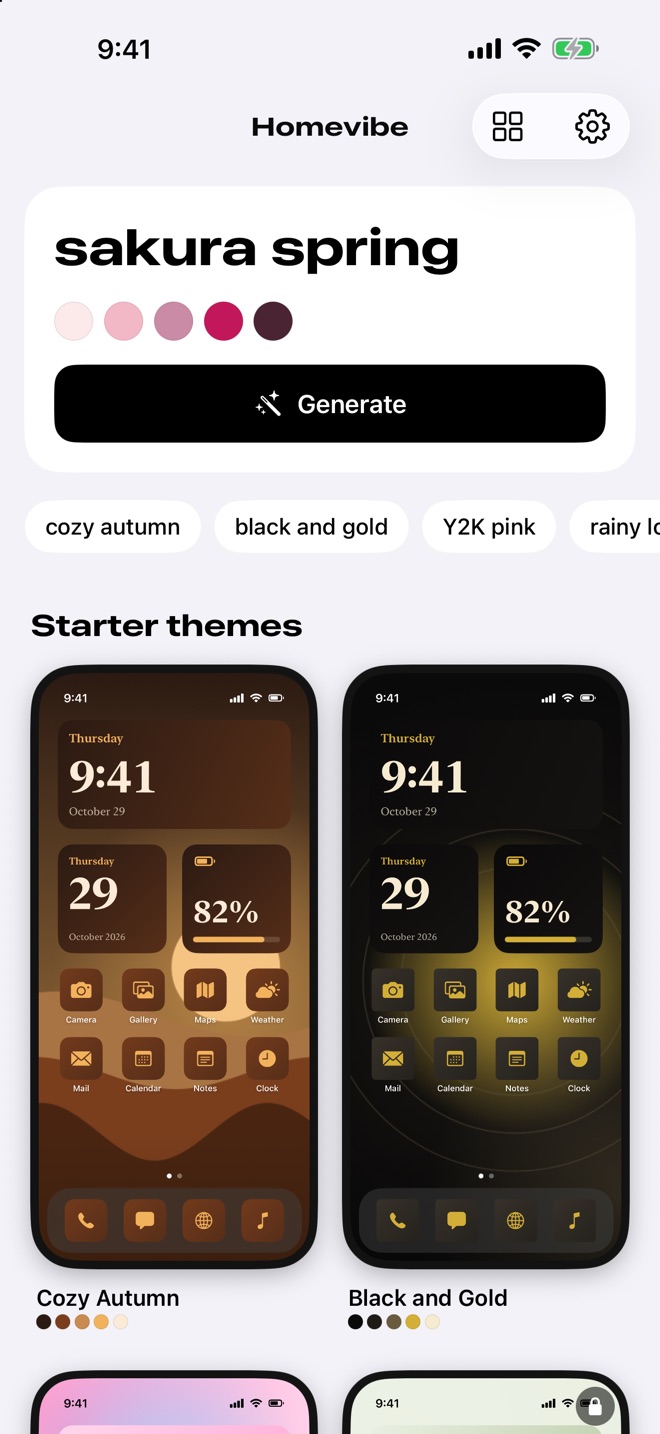
- Colors appear as you typeThe palette follows your words before you even tap Generate.
- An original wallpaperHomevibe paints a new image for your vibe and saves it to Photos in full resolution.
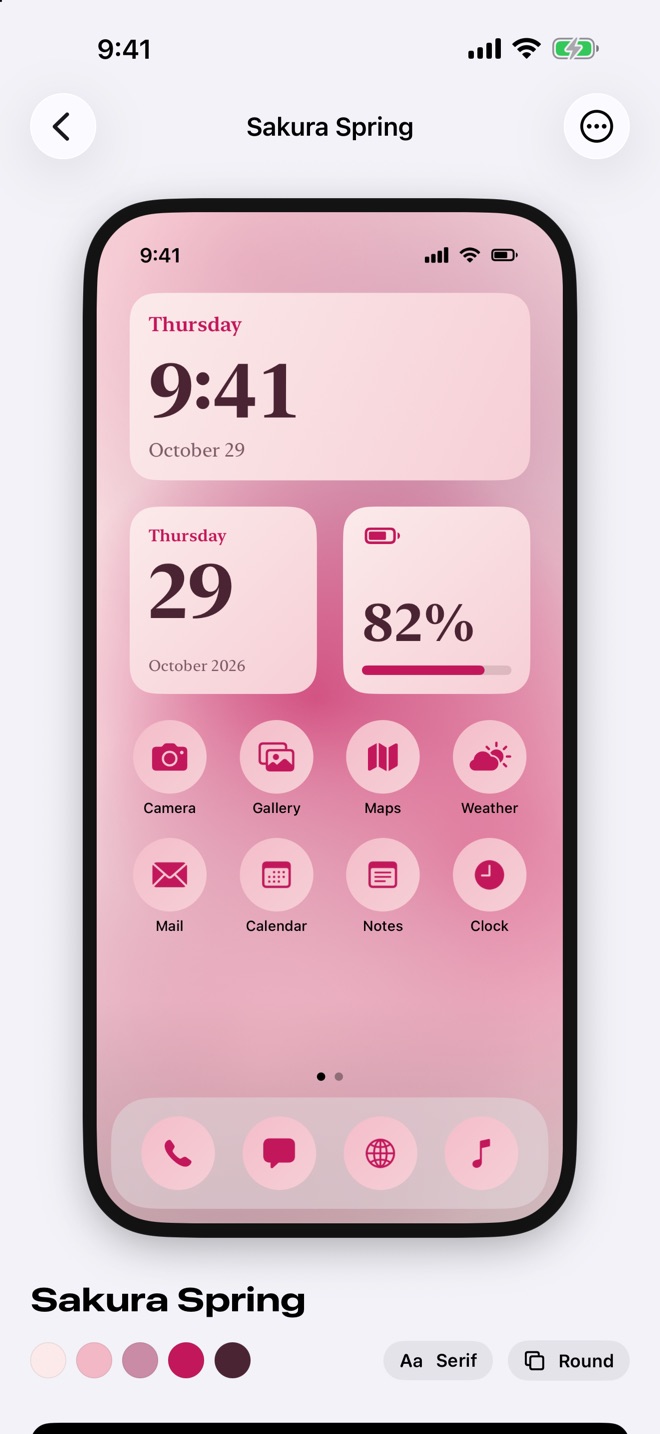
- A live previewSee your theme on an iPhone with widgets and icons already styled to match.
Widgets that match
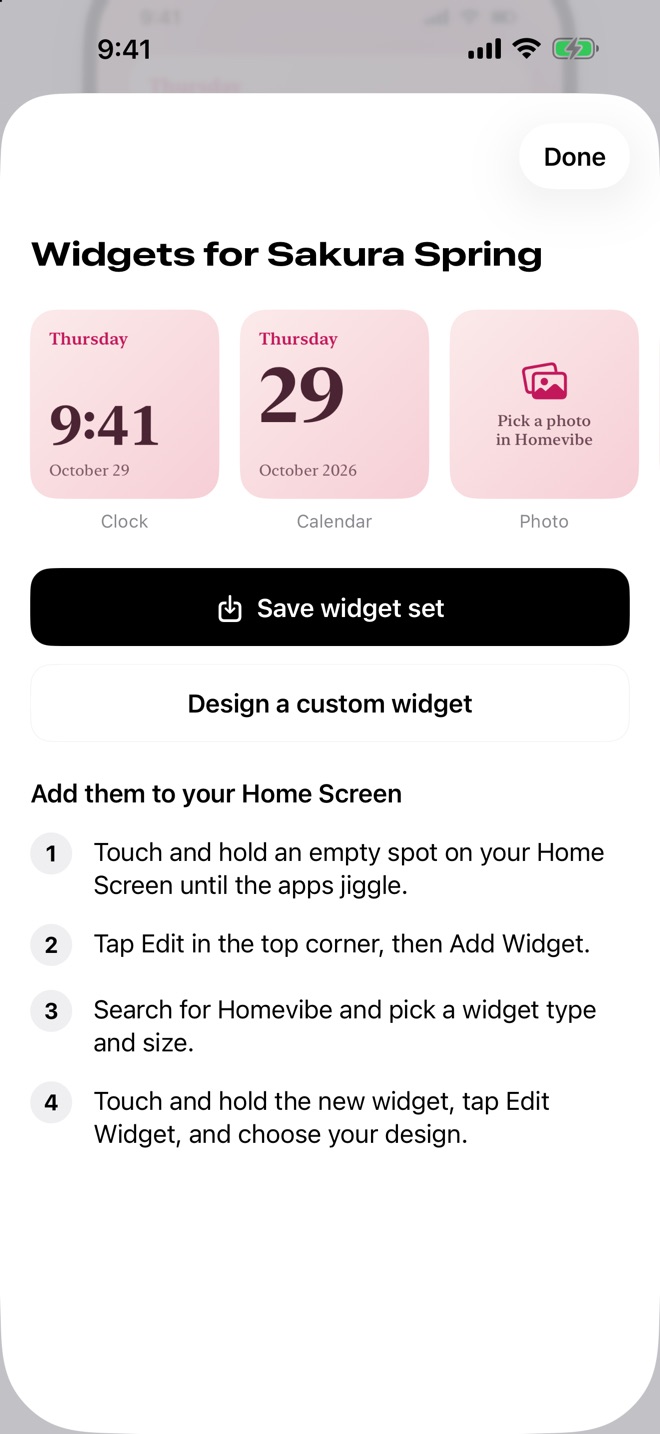
Save a theme’s full widget set in one tap, or design your own.
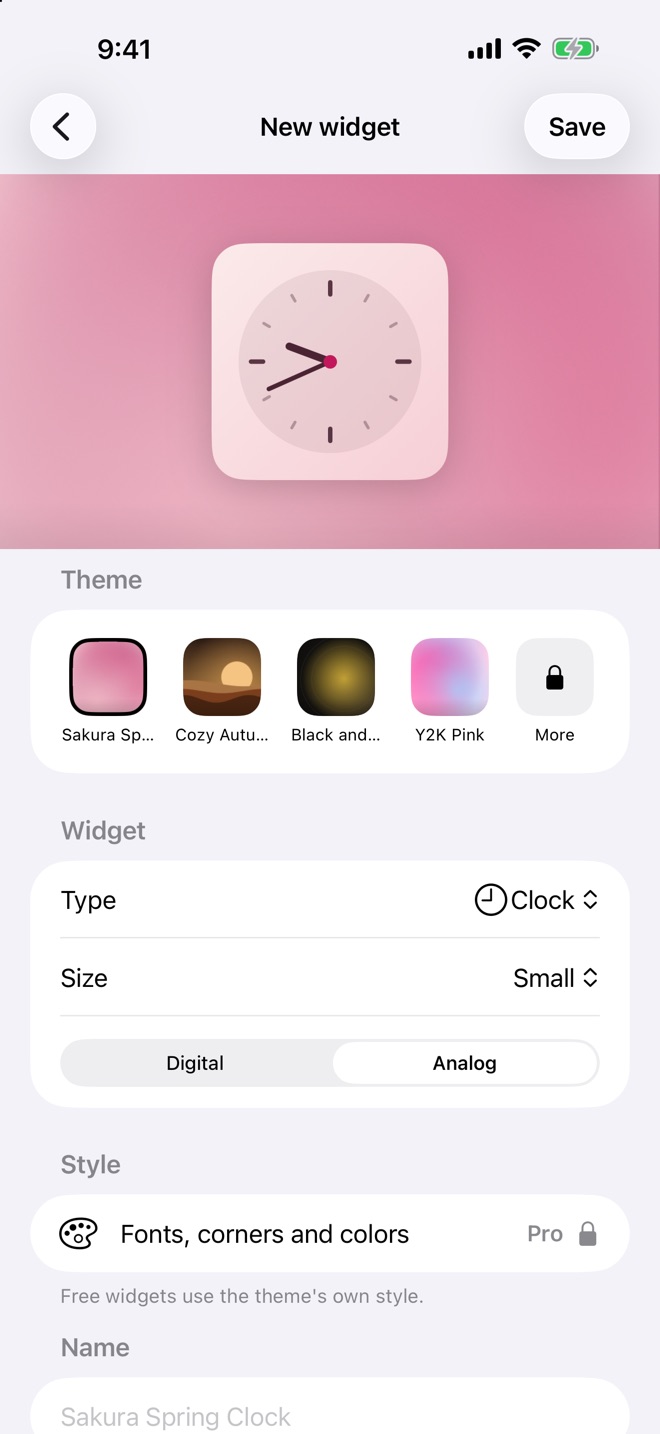
- Six widget typesClock (digital or analog), Calendar, Photo, Countdown, Quote and Battery.
- Every sizeSmall, medium and large on the Home Screen, plus Lock Screen widgets.
- Matching iconsOriginal glyphs in your theme’s colors, with a built-in guide for setting them in Shortcuts.
12 starter themes
Ready to use the moment you open the app. Three are free.
Cozy Autumn
Black and Gold
Y2K Pink
Matcha Morning
Midnight Ocean
Neon Arcade
Sakura Spring
and five more
Pay once. No subscription.
No weekly charges. Prices shown in USD; your App Store region sets the final price.
Free
$0
Three starter themes, widgets, wallpapers and icons, plus 2 AI vibe generations.
Pro Forever
$9.99
One payment unlocks all 12 starter themes and the full widget editor: fonts, corners and colors.
Vibe credits
$2.99+
10 or 30 more AI generations, as one-time packs. Each credit makes one new theme.
Private by design
No account. No tracking or ads.
- Your themes stay on your iPhoneThemes, widgets and photos are stored on your device.
- Only your words leave the phoneTo make an AI theme, Homevibe sends just what you typed and an anonymous install ID. Prompts aren’t stored.
- Photos when you askAccess is requested only when you save a wallpaper or pick a photo for a widget.